Introduction to Amazon Quick Suite
Amazon Quick Suite is an AI-powered business intelligence platform that combines data analysis, visualization, and workflow automation. Connect to data sources, create dashboards, and get insights through natural language conversations with AI agents—no ML expertise required.
Step 1: Key capabilities
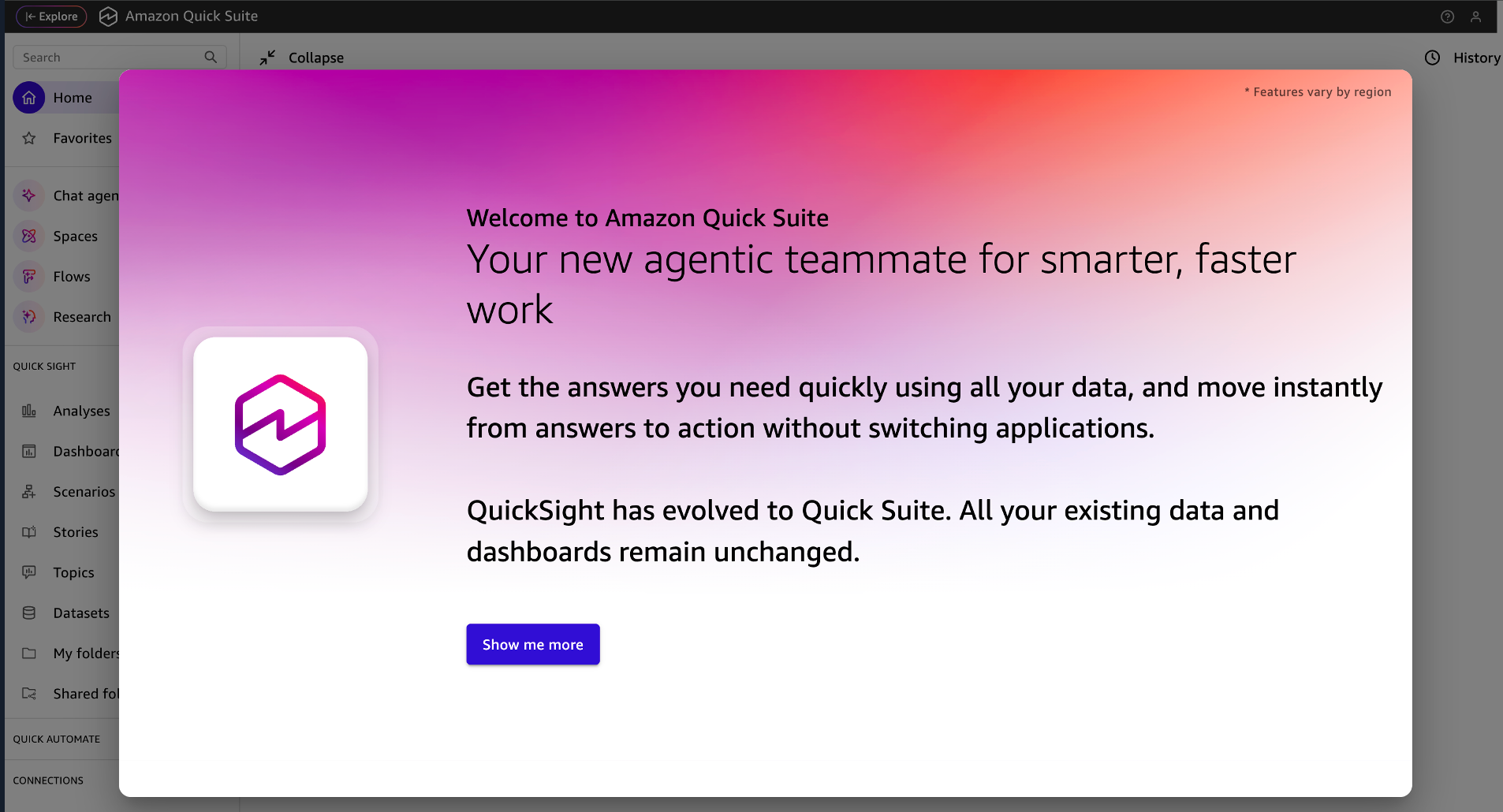
Take some time to look at the Welcome to Amazon Quick Suite introduction screens. Note: if you have used Quick Suite in this browser before, you may not see the Welcome messages below. You can skip to the next step.
-
After reading, click Show me more
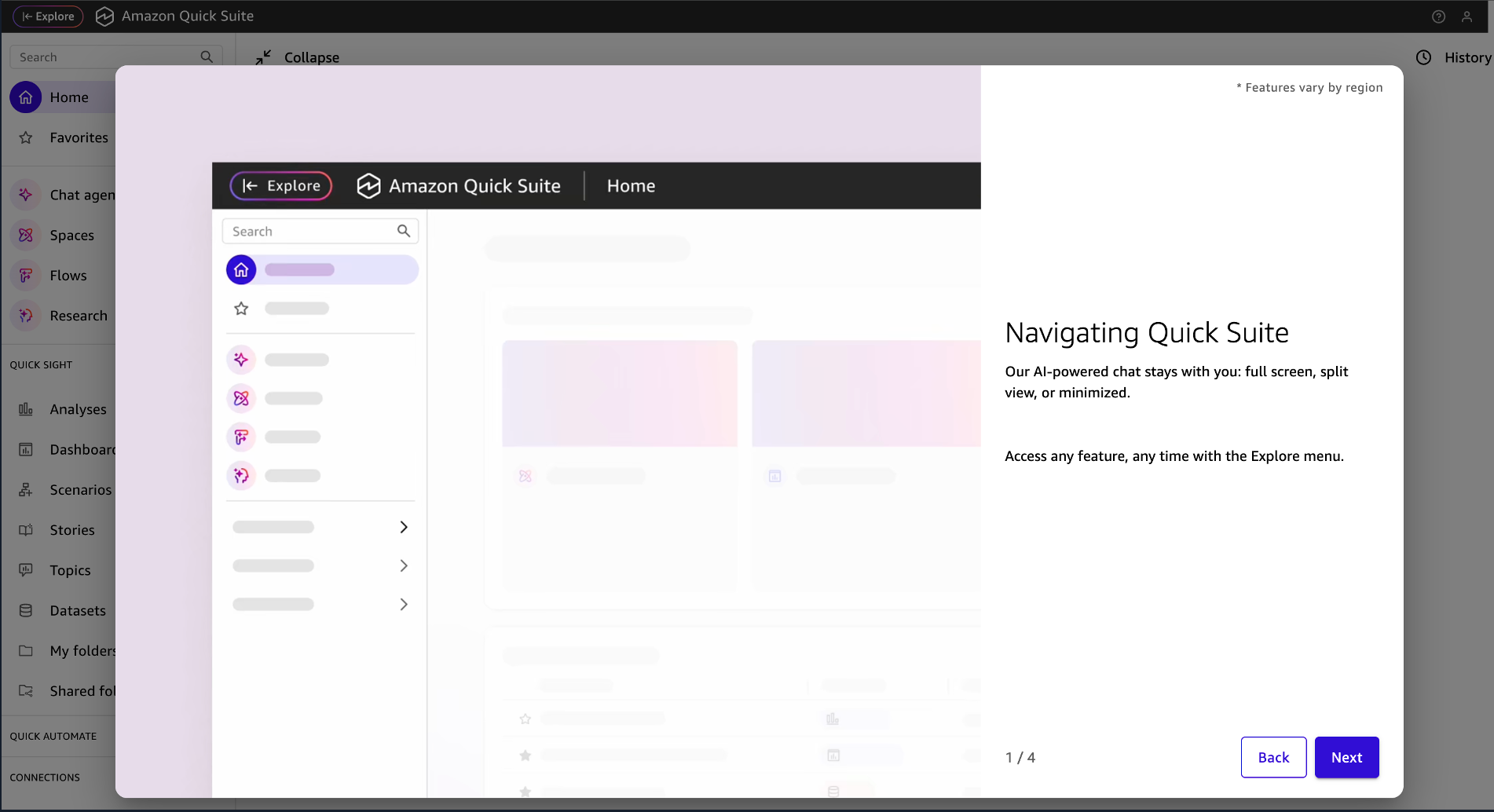
-
Review the information on each page and click Next
-
Click Done when complete
Step 2: Quick Suite UI Orientation
You can now see the main Quick Suite chat window, with the chat fully-expanded.
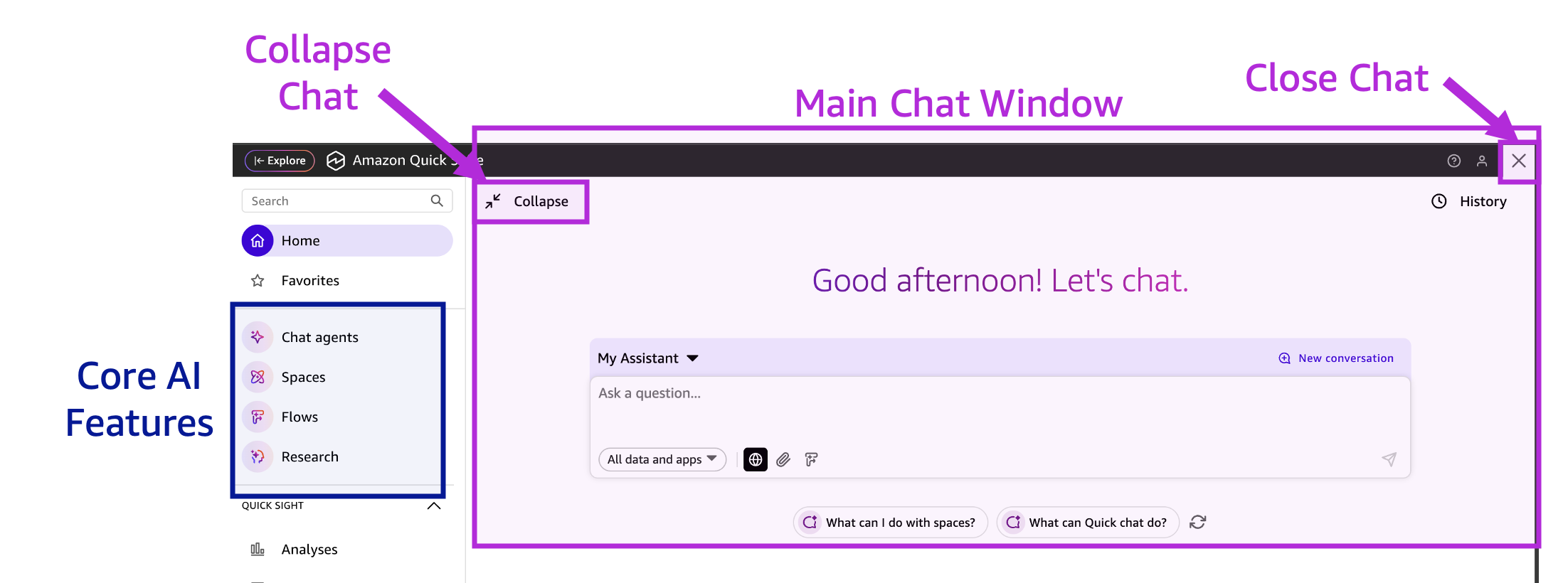
Some key items in the main UI:
- Main Chat Window: Search and ask questions about your data in natural language.
- Collapse button makes the chat window smaller
- "X" button closes the chat window completely
- Core AI Features
- Chat Agents: AI assistants configured with specific business context to provide expert guidance, automate tasks, and deliver consistent responses based on your data
- Spaces: Focused environments where teams organize and share knowledge for specific projects with curated data, actions, and agents
- Flows: Agentic AI - Transform everyday tasks into shareable workflows using your data, insights, and actions within Amazon Quick Suite
- Research: Conduct comprehensive research by analyzing multiple data sources including web search, uploaded files, and connected spaces to generate detailed reports
-
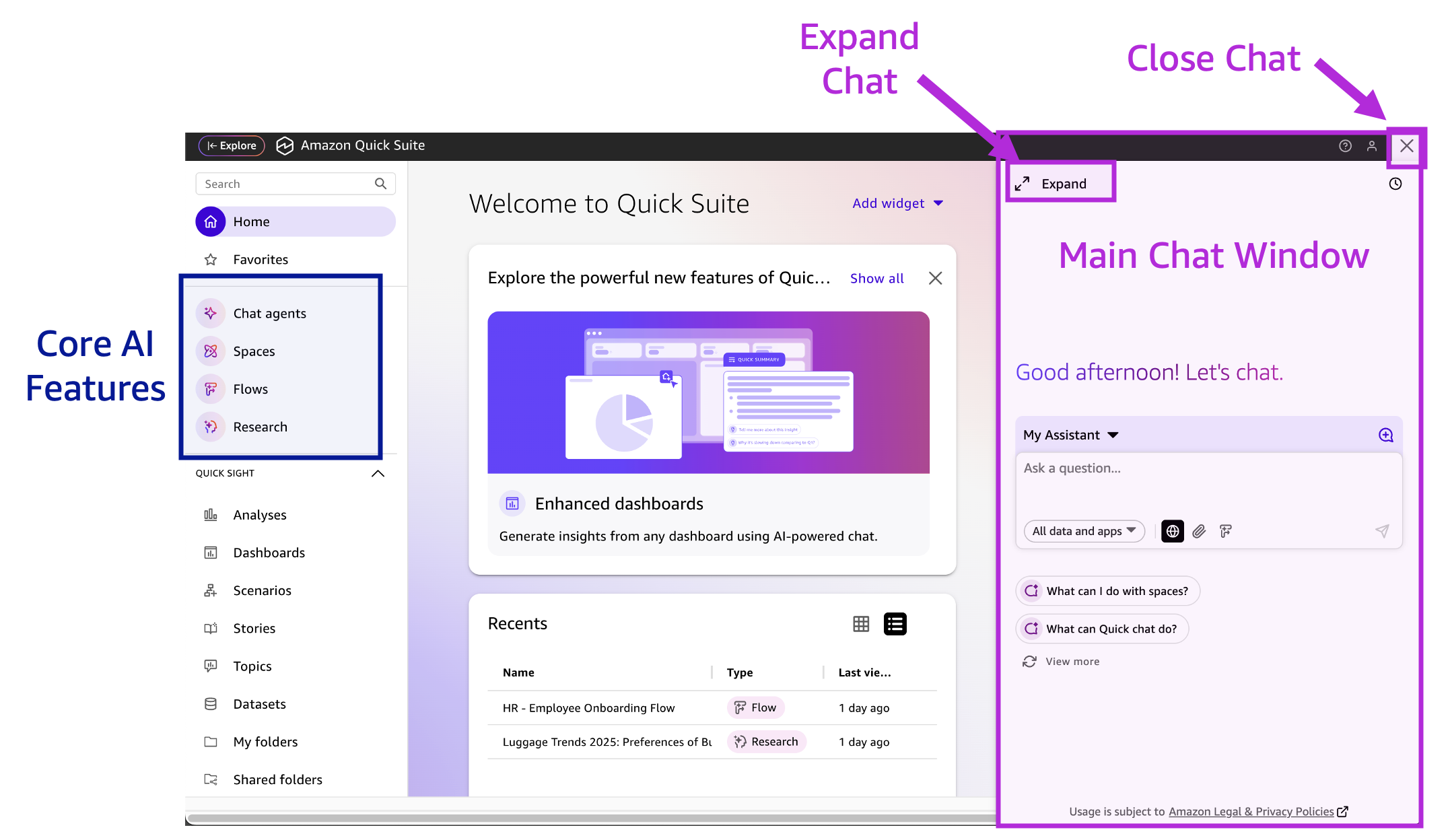
Click the Collapse button.

You'll notice that the chat area is now on the right side of the screen. Feel free to expand or collapse as desired. If you are working with a lot of text, it's usually most convenient to have it expanded.
-
Click the Expand button.

Your chat window should be larger again.
-
Click the Next link at the bottom of the instructions page to begin chatting with Quick Suite!